
A TV screen is not a window. That single mistake sends more panels to the repair shop than dust ever could. The glass cleaner under your sink is built to cut grease off a mirror, and the coatings on a modern flat panel do not survive that treatment. I have watched a homeowner scrub a two-week-old OLED with a paper towel and a spritz of window spray, then wonder why the picture looked cloudy in every bright scene afterward.
The screen you own decides the method you use. Below is how my team cleans screens on the job, sorted by panel type, plus the short list of products that ruin them.
First, know what kind of screen you have
Three broad categories cover almost every TV in a New York apartment.
LED and LCD panels. Most flat TVs sold in the last decade fall here. The front surface is not bare glass. It carries an anti-glare or anti-reflective coating that is soft and easy to strip. Treat it as delicate even though it looks tough.
OLED panels. Thinner, more expensive, and the most fragility-sensitive of the group. The pixels sit close to the surface, and pressure is the enemy. Wiping too hard can leave temporary marks or, over time, real damage.
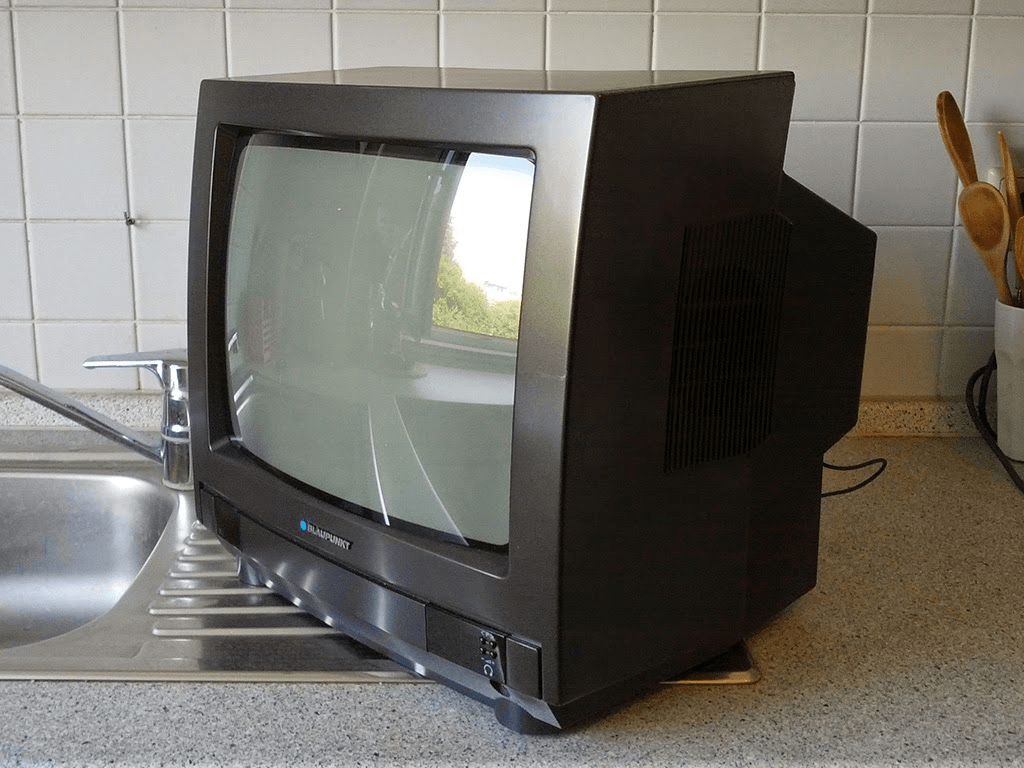
Older plasma and CRT (tube) screens. These use actual glass on the front, so they tolerate a little more. A tube TV in a basement or a garage is the one exception where a mild glass approach is closer to acceptable, and even then I keep it gentle.
If you are not sure which you own, check the model number against the manufacturer’s page, or read the manual. Several brands print a specific cleaning instruction, and it overrides anything general you read online, including this guide.

What NOT to use on any screen
Skip these no matter what panel you have. Each one damages coatings, seeps into seams, or scratches the surface.
- Ammonia. The active ingredient in most blue window sprays. It eats anti-glare coatings.
- Alcohol. Isopropyl or rubbing alcohol strips coatings and can haze the finish. Some manufacturers allow a very diluted mix on older glass only; on modern panels, leave it out.
- Glass cleaner (Windex and similar). Same ammonia problem, plus it dries streaky on treated surfaces.
- Paper towels, tissues, and napkins. They feel soft to your hand and act like fine sandpaper on a screen. Wood fibers scratch.
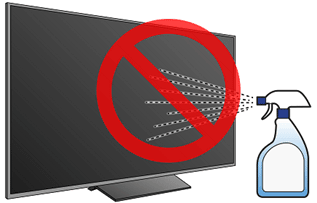
- Any spray aimed at the screen. Liquid runs down into the bezel and reaches the electronics behind the panel. That is how a cleaning turns into a repair.
- Scouring pads, dish sponges, or old rags. Grit you cannot see does the harm.
One microfiber cloth and, at most, a little distilled water covers ninety percent of TV cleaning. The fancier the product on the shelf, the more skeptical I am.
The method: dry first, damp only if needed
This is the sequence we follow on every screen, regardless of type. Most dust and light film comes off in the first step alone.
- Turn the TV off and unplug it. A dark screen shows dust and smudges you cannot see when it is lit, and unplugging removes any shock risk near the ports.
- Let it cool for a few minutes. A warm panel makes any moisture evaporate unevenly and streak.
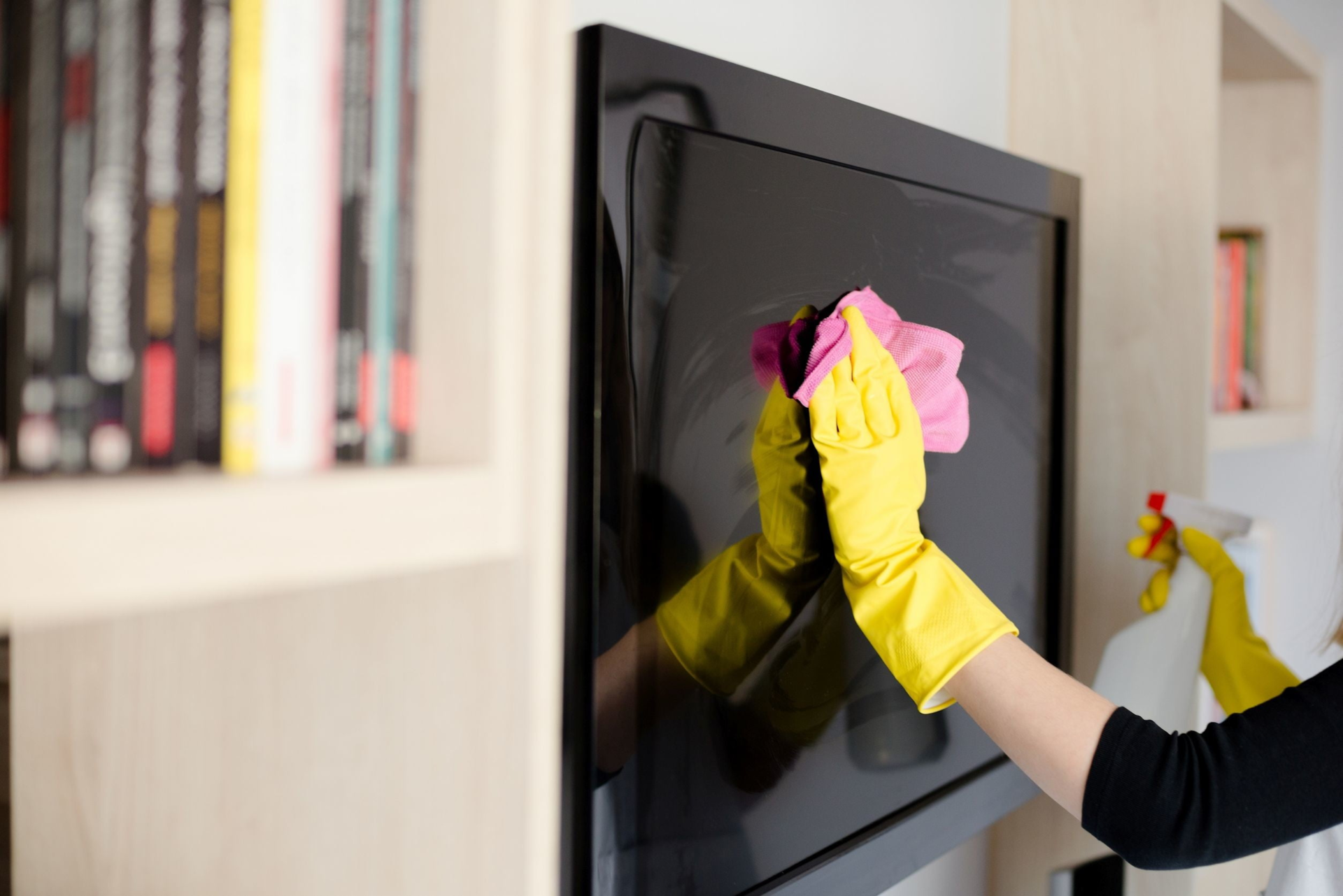
- Dust dry, with a clean microfiber cloth. Use light, straight strokes in one direction, not hard circles. For most screens, you are done here.
- If smudges remain, dampen the cloth, not the screen. Lightly wet one corner of the microfiber with distilled water. Wring it so it is barely damp. Never let it drip.
- Wipe the smudge gently, then dry. Follow the damp pass with a dry section of the cloth so no moisture sits on the surface.
- For greasy fingerprints that water will not lift, add one drop of mild dish soap to the distilled water, then repeat the barely-damp approach. On OLED, I stay with plain water and patience instead.
Distilled water matters because tap water in the city leaves mineral spots as it dries. Pressure matters more than product: on OLED especially, let the damp cloth do the work and keep your hand light enough that the panel does not flex.
Don’t forget the frame and the ports
The screen gets all the attention, and the rest of the TV collects most of the grime.
The bezel and back panel hold dust that drifts back onto the screen every time the fan runs. Wipe them with the same microfiber, slightly damp if needed, since these surfaces are not coated and take handling better than the screen face.
The ports and vents are where dust builds into a heat problem. A short burst of compressed air clears the HDMI bank and the cooling vents. Hold the can upright and keep bursts brief so no propellant sprays out as liquid. A vacuum on low, held near but not touching the vents, does a similar job.
The stand and cable run behind the set trap the most dust of all. Ten seconds there keeps it from circulating back to the screen.

When to hand it off
For a TV or two at home, the routine above is a five-minute job you can do monthly. Cleaning gets less simple at scale. A conference room wall of displays, a lobby video board, a retail floor with screens at every register, that is where the wrong cloth or a rushed spray becomes an expensive lesson repeated across a dozen panels.
That is the kind of work my team handles. We built our training around delicate surfaces and electronics-safe methods, we lean on plant-based products so nothing harsh contacts a coating, and every job runs through a 50-point checklist before we call it done. Since 2016 we have cleaned homes and commercial spaces across NYC, and our work carries a 100% satisfaction guarantee: flag any issue within 24 hours and we re-clean the spot free within 48. If you would rather not risk a screen wall on a guess, see what our cleaning services cover or call us at (929) 531-6264.
Clean your screens the way the panel wants, not the way the window wants, and they stay sharp for years.
By Alex Sonier, CEO & Head Trainer, Eco Cleaning NYC